Microsoft
I spent seven years at Microsoft, working across mobile product design, design systems and UX engineering.
Fluent UI
For Fluent 2, we expanded Microsoft’s design system documentation and updated it to reflect our design principles: natural on every platform, built for focus, and accessible. We brought scattered resources into one site with a shared structure.
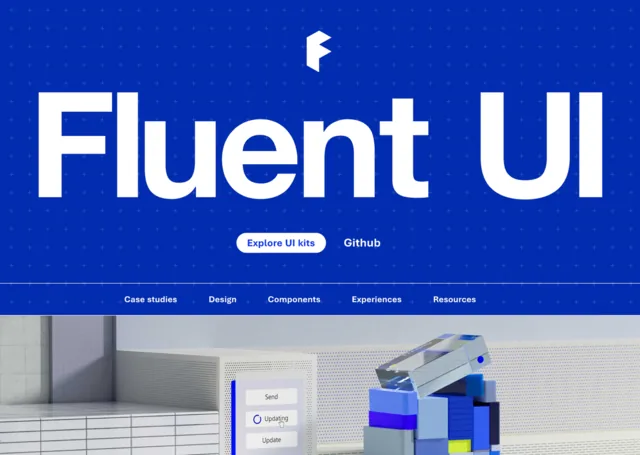
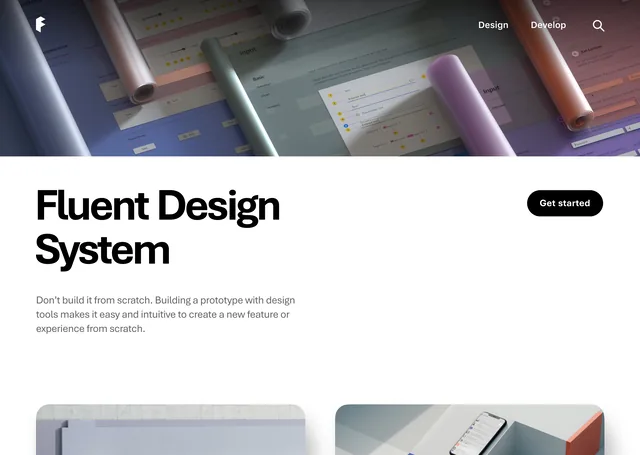
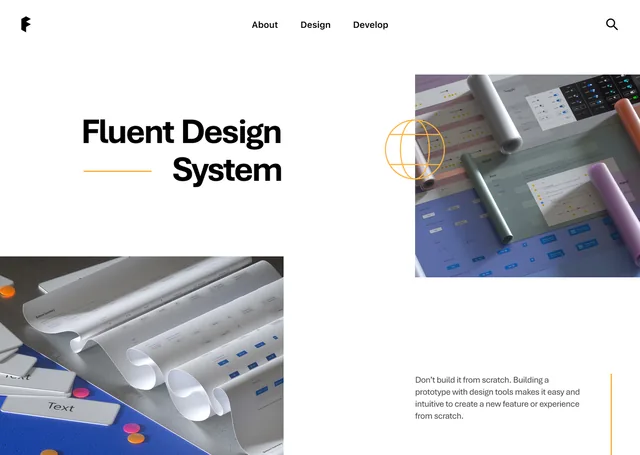
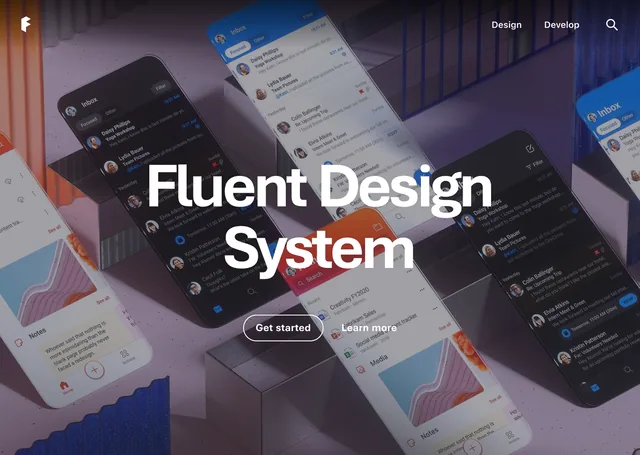
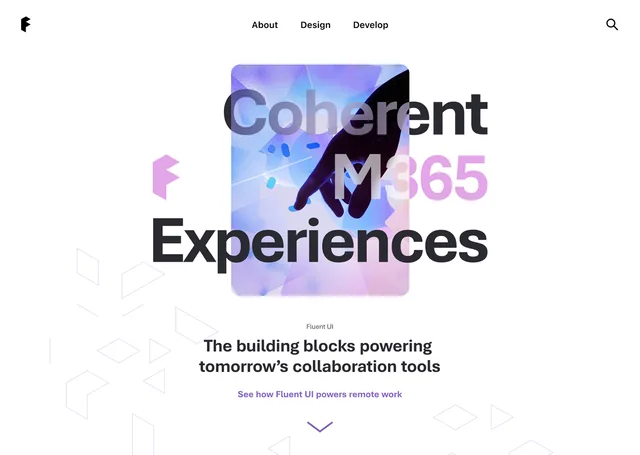
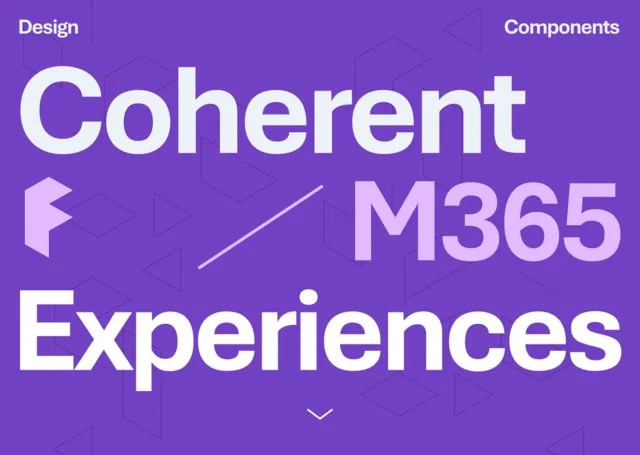
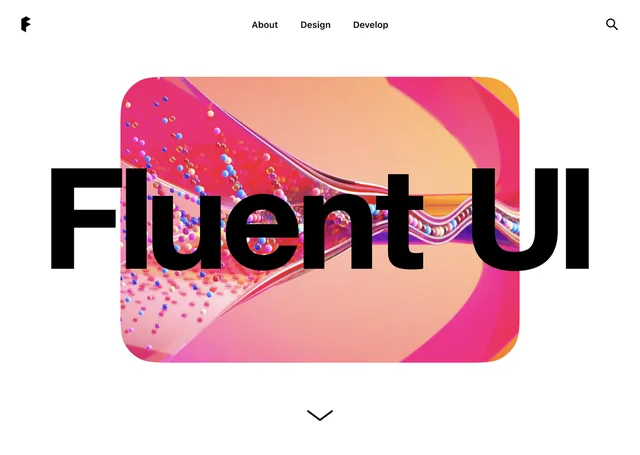
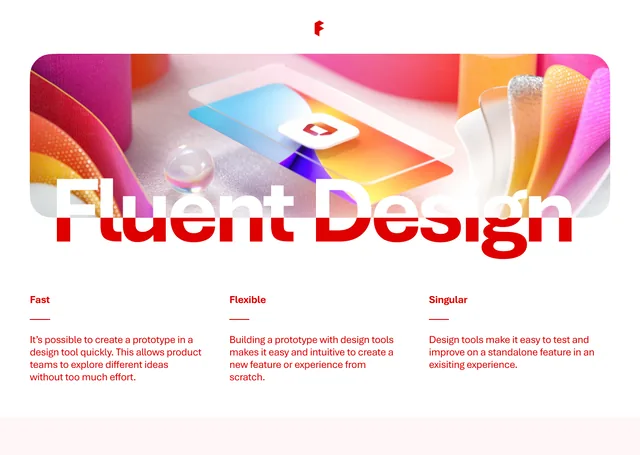
I explored layouts and illustration styles for the landing page to introduce Fluent 2.
- Blue Fluent UI homepage with a three-dimensional workspace illustration
- Fluent Design System homepage over a collage of mobile interfaces
- Fluent Design System homepage with an asymmetric grid of product imagery
- Fluent UI homepage with product logos and a layered ribbon illustration
- Coherent M365 Experiences homepage with layered typography on white
- Purple Coherent M365 Experiences homepage with oversized typography
- Fluent UI homepage with bold black typography over a colorful gradient
- Fluent Design homepage with red and white typography over a colorful layered illustration
- Start building with Fluent homepage with a pastel illustration and resource links
- Grey Fluent Design System homepage with a workspace image and white typography
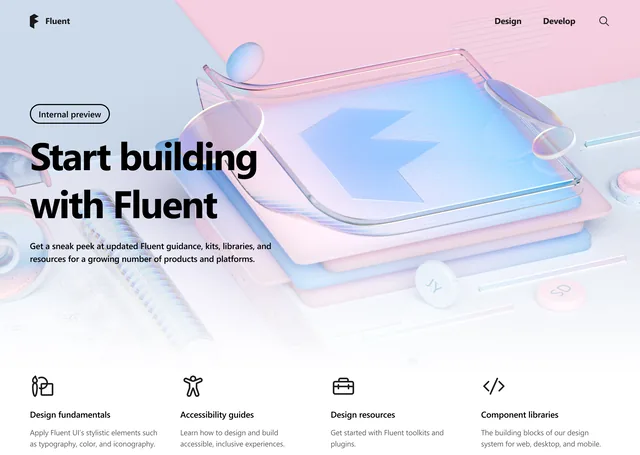
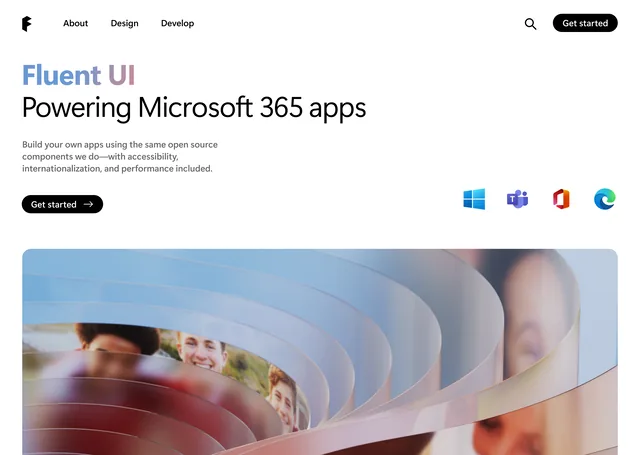
Teams across Microsoft contributed the content. We needed to connect shared design foundations with guidance for specific platforms and components.
I designed reusable documentation components and pictographics covering colour, icon dos and don’ts, and typography.
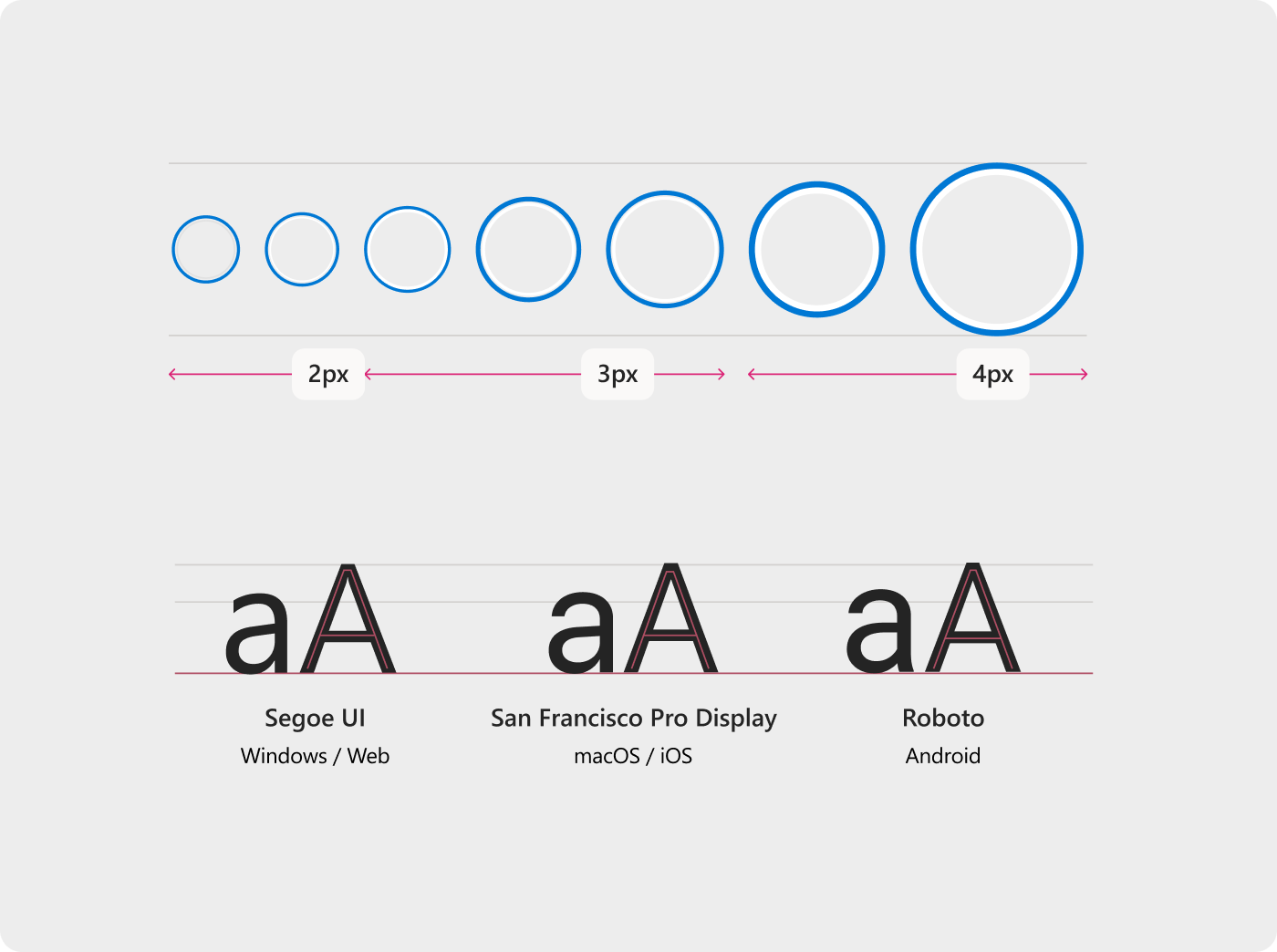
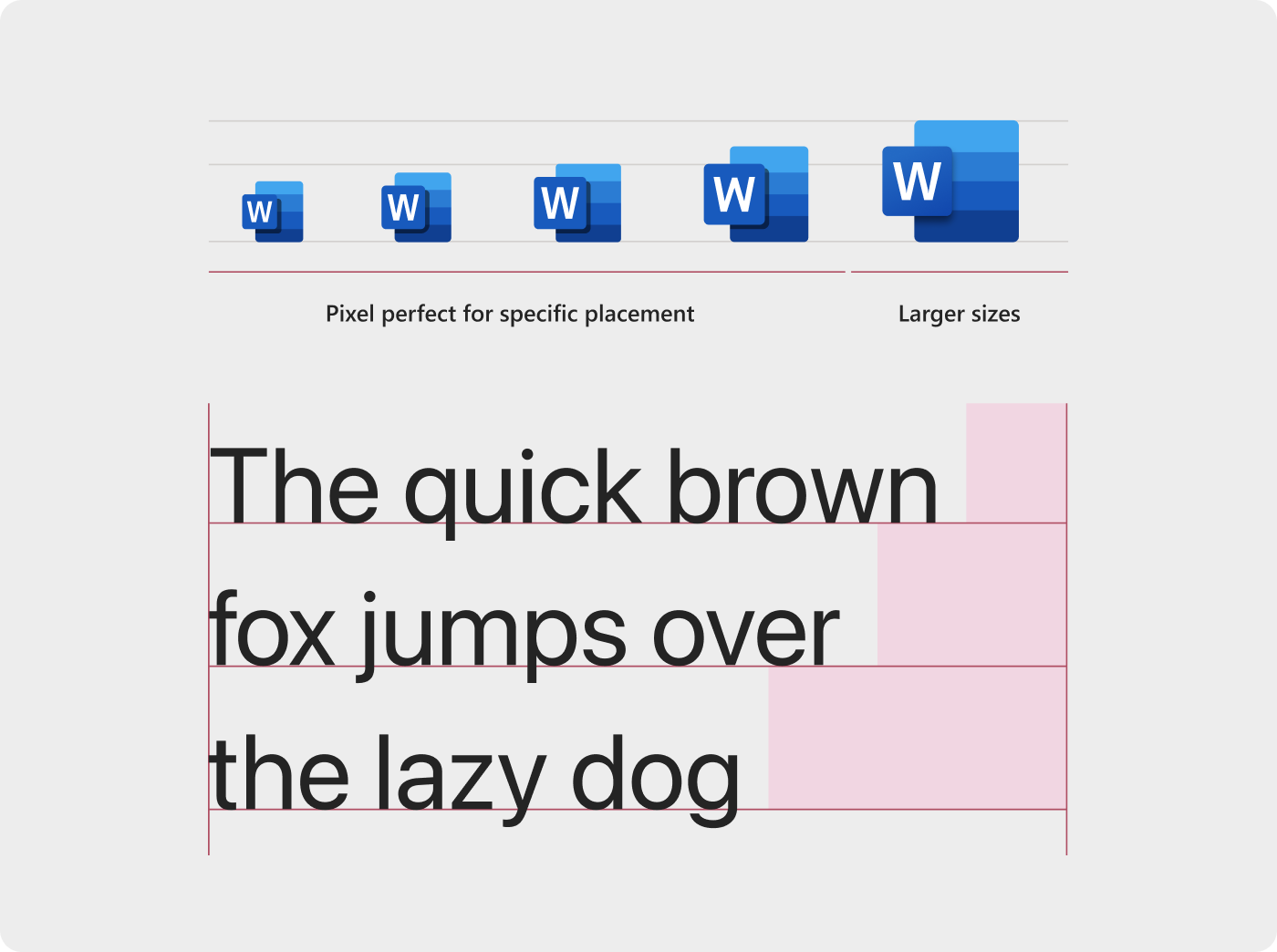
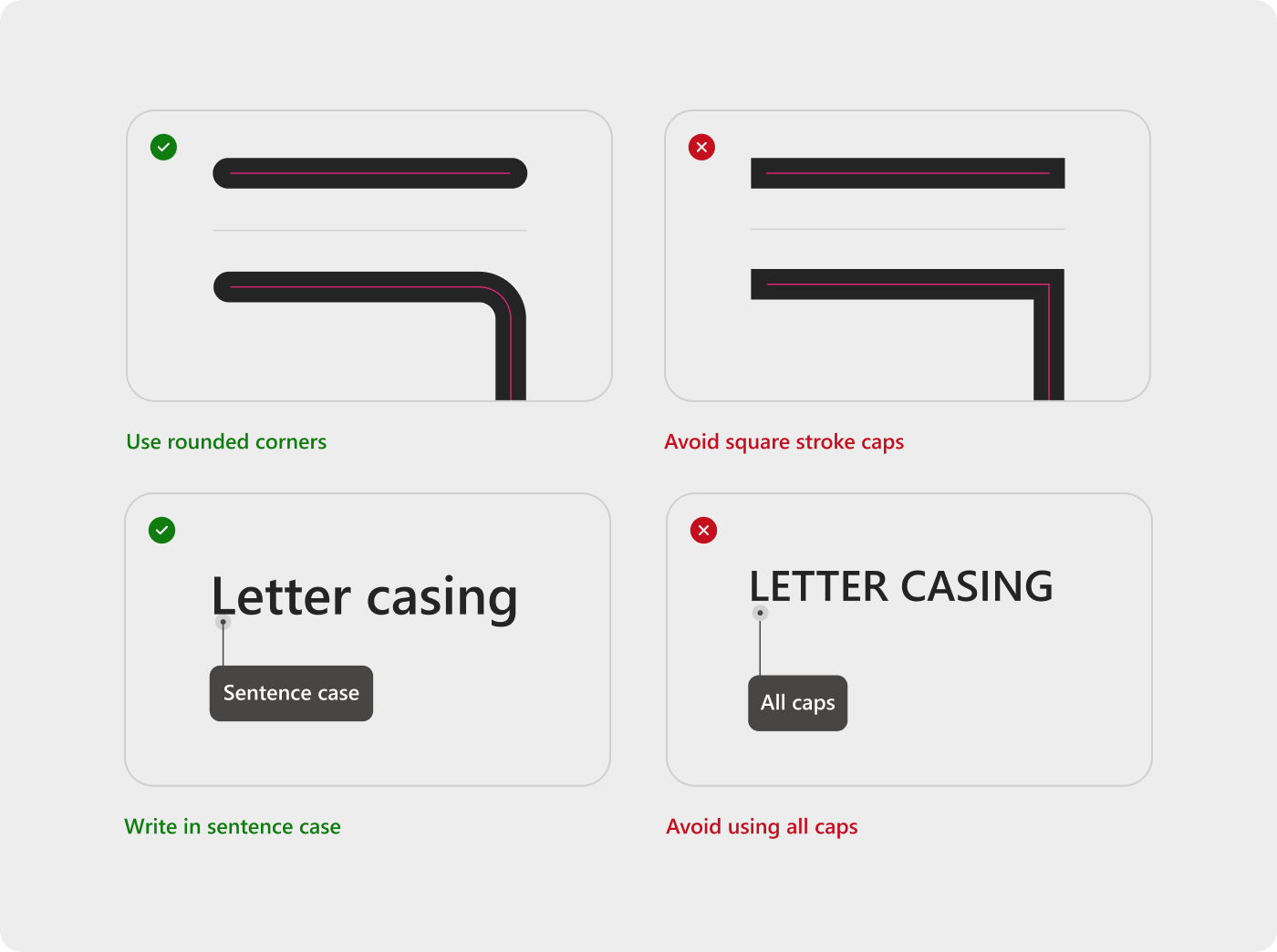
Selected components and pictographics I designed for the site.
Slide 1 of 3: Fluent guidance for scaling icons and typography across platforms
We took care to make the documentation look great on mobile devices, and the illustrations look just as good in dark mode as light mode.
Outlook Groups
On Outlook Groups, I designed for iOS, Android and Windows Phone. We launched on all three platforms at the same time.
I contributed to the web and mobile UI and designed the direct messaging experience, balancing Outlook’s identity with familiar conventions on each platform.
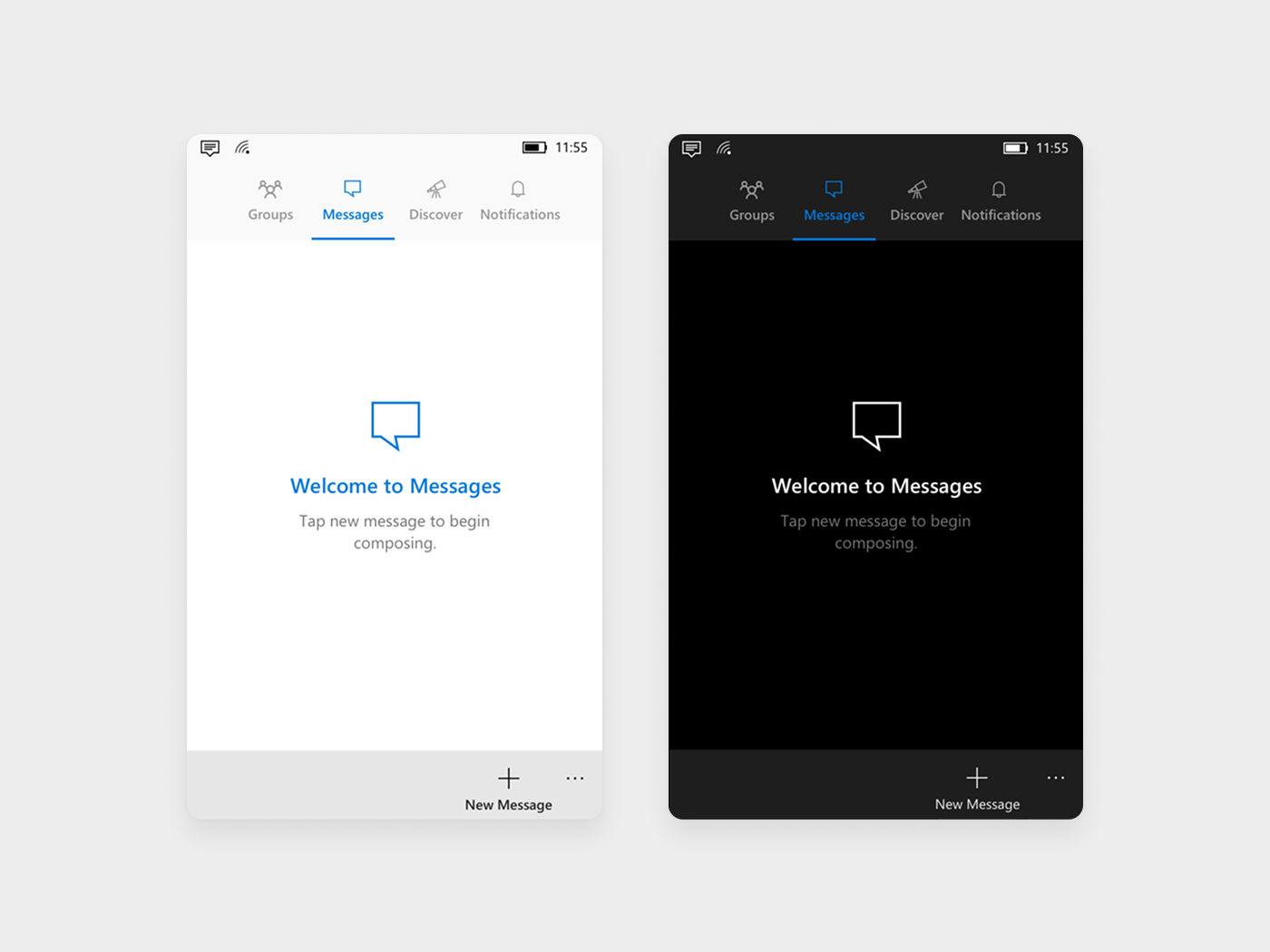
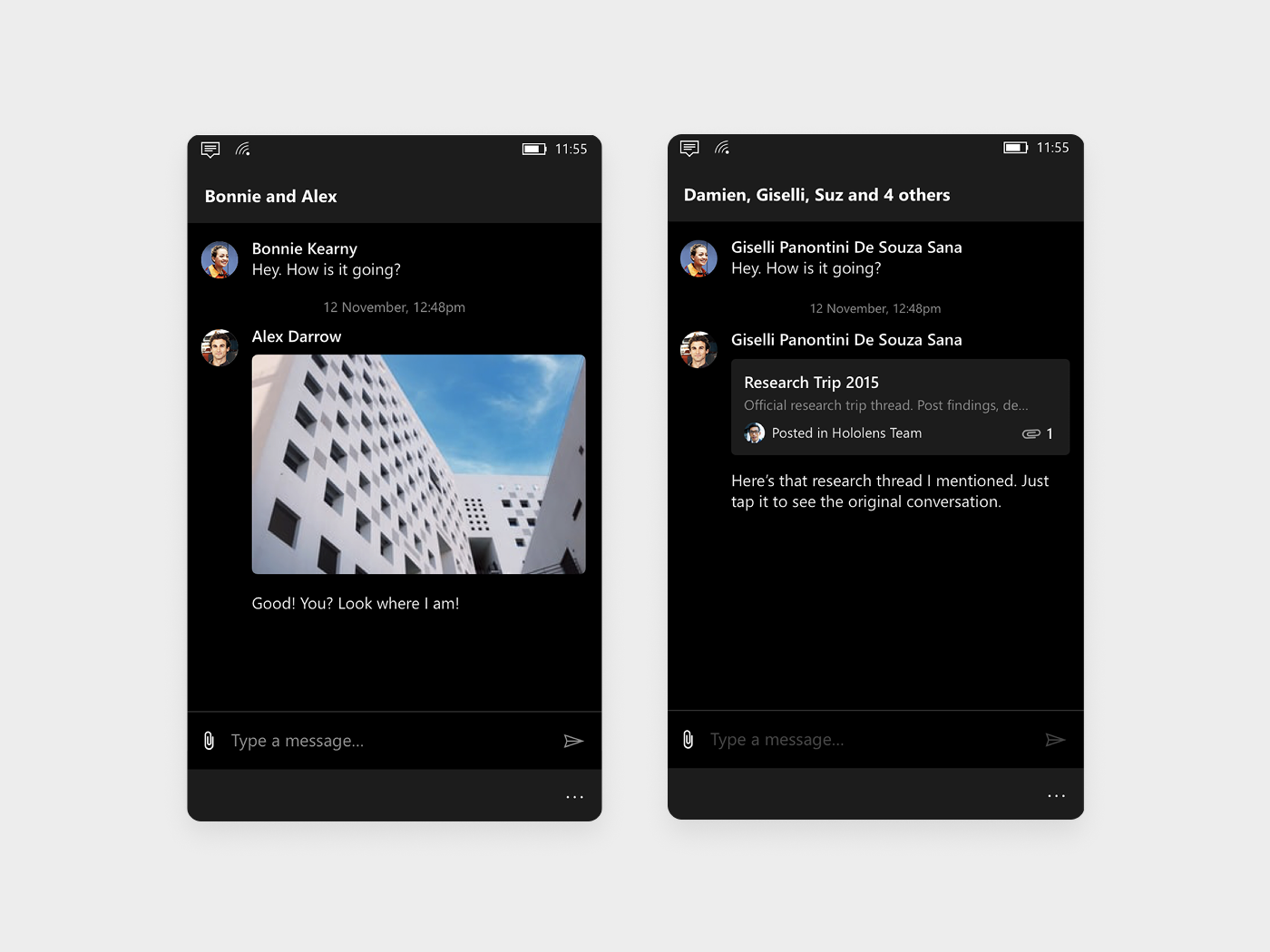
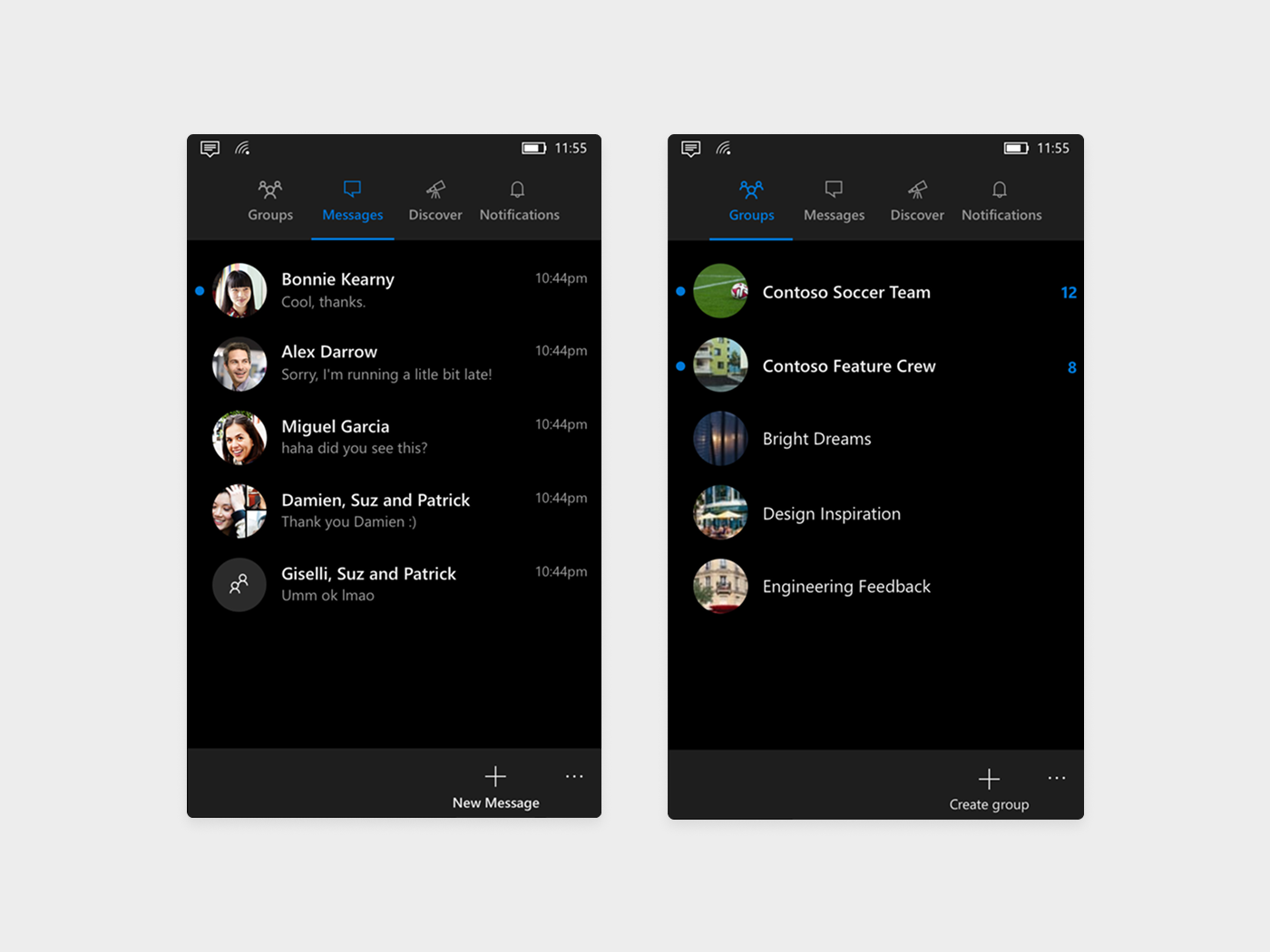
Direct messaging in Groups on Windows Phone.
Slide 1 of 3: Outlook Groups messaging empty states in light and dark themes on Windows Phone
Tools and prototypes
Alongside product design, I built React prototypes to explore ideas across the Office suite and internal tools to support other teams.
I built this tool for Teams so users could upload a Lottie animation and adjust its colours to match their brand.
Business Center
In the Outlook Design Studio, I designed the Business Center dashboard for small businesses using Office 365. Business owners could set up and track bookings, listings and invoicing in one place.
Slide 1 of 3: Business Center dashboard with business metrics and recent activity
Inside Outlook
I worked on Agenda mail, a summary email of the day’s calendar. Readers could scan their schedule from the inbox.